Programming With JS
- What Is a Script
- a Script Is a Series of Instructions
- Writing a Script
- to Write a Script, You Need to First State Your Goal and Then List the Tasks That Need to Be Completed in Order to Achieve It.
Start With the Big Picture of What You Want to Achieve, and Break That Down Into Smaller Steps. [1] Define the Goal [2] Design the Script [3] Code Each Step
Expressions
An expression evaluates into (results in) a single value. Broadly speaking there are two types of expressions.
«««< HEAD
OPERATORS
- ASSIGNMENT OPERATORS
- COMPARISON OPERATORS
- ARITHMETIC OPERATORS
- LOGICAL OPERATORS
- STRING OPERATOR
Operators
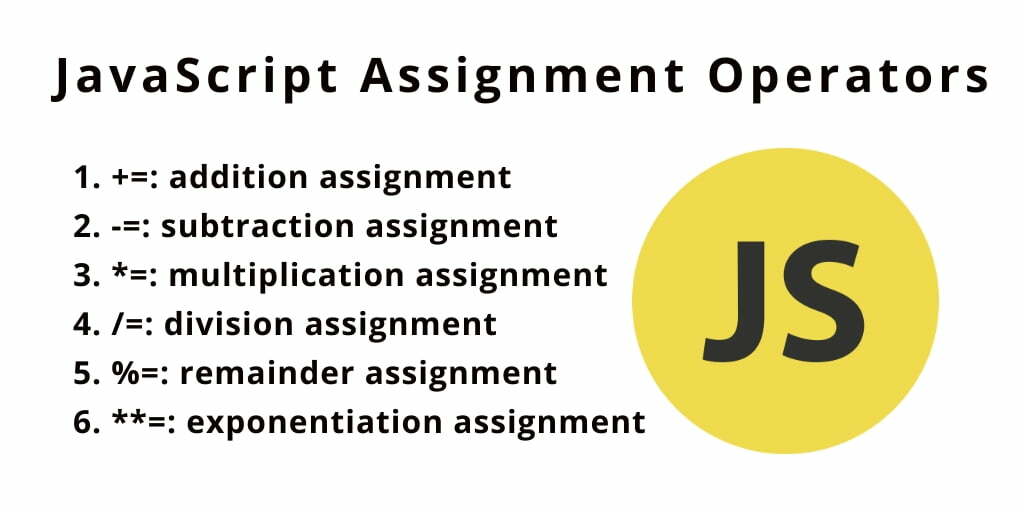
1. Assignment Operators
<!> Used to Assign a Value of the Right Operand to Its Left Operand in Js Using These Assignment Operators.
2. Comparison Operators
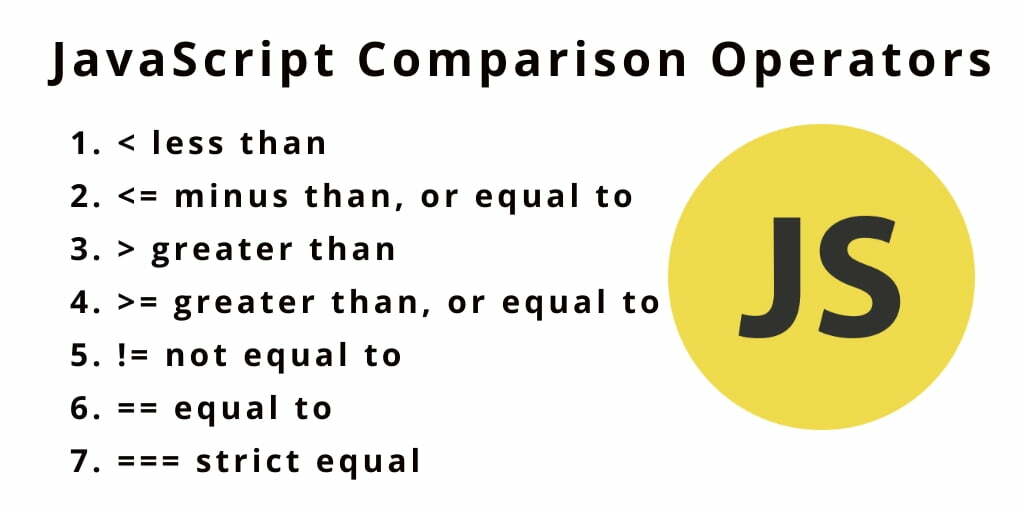
«««< HEAD ** <!> Used to Compare Variables and Take Some Action Based on the Result of That Comparison. ** ** <!> the Javascript Comparison Operators Compare Two Operands Value and Return the Result in Boolean ( True or False). ** ======= <!> Used to Compare Variables and Take Some Action Based on the Result of That Comparison. <!> the Javascript Comparison Operators Compare Two Operands Value and Return the Result in Boolean ( True or False).
2334ca32295580e32d1829a82d70dc09dd9c7f87
3. Arithmetic Operators
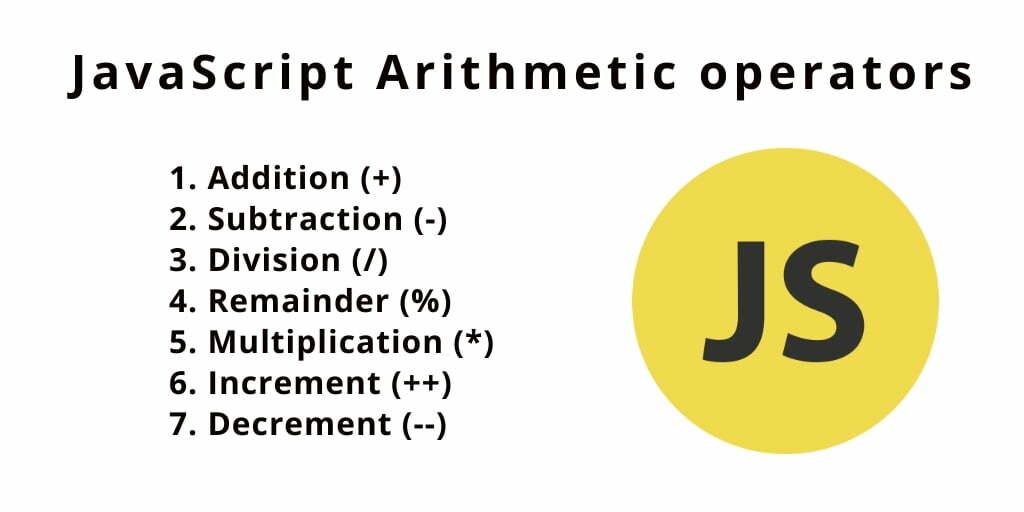
<!> Arithmetic Operators Are Used to Performing Mathematical Operations Between Numeric Operands.
4. Logical Operators
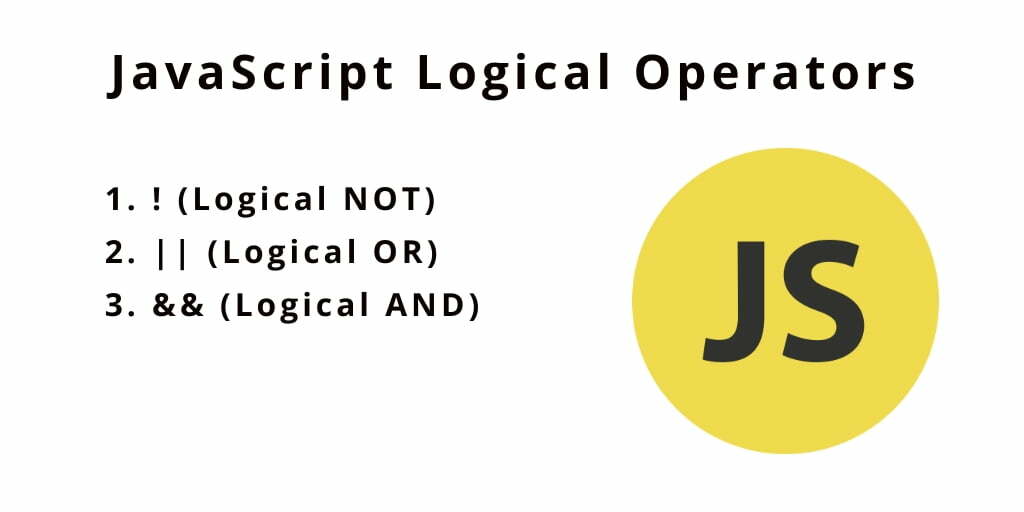
«««< HEAD ** <!> Used to Compare Variables and Take Some Action Based on the Result of That Comparison. ** ======= <!> Used to Compare Variables and Take Some Action Based on the Result of That Comparison.
5. String Operator
** <!> The + Operator Can Also Be Used to Add (Concatenate) Strings.**
<!> The + Operator Can Also Be Used to Add (Concatenate) Strings.
What Is a Function?
<!> Functions Let You Group a Series of Statements Together to Perform a Specific Task ( One Code X Many Time.
[1] Creat a Function
We Can Create It in Two Different Ways :
1. Function Declaration
Function Declaration: Starts With “function”
function getInfo() { Lines of Code; }
2. Function Expression
Function Expression: Starts With “var varName”
Var varName = function getInfo() { Lines of Code; }
[2] Calling a Function
Simply You Can Call It Like This - functionName();
- without Parameters for Ex: getInfo( );
- Often This Type Contains Input by the User / or Displaying Something on the Screen.
- with parameters for Ex: calcArea(width,height);
- with arguments for Ex: getArea(12,8);
GitHub Account © Masalha96