What I learned about HTML 2day:
-
What is HTML?
HTML stands for Hyper Text Markup Language. HTML is the standard markup language for creating Web pages. HTML describes the structure of a Web page. HTML consists of a series of elements. HTML elements tell the browser how to display the content.
Table Of Content
| Chapter No. | Subject |
|---|---|
| One | Structure |
| Two | Extra Markup |
| Three | HTML5 Layout |
ChapterOne :: Structure
-
html tag
- The <html> tag represents the root of an HTML document.
- The <html> tag is the container for all other HTML elements (except for the <!DOCTYPE> tag).
-
body tag
- The <body> tag defines the document’s body.
- The <body> element contains all the contents of an HTML document, such as headings, paragraphs, images, hyperlinks, tables, lists, etc.
- Note: There can only be one <body> element in an HTML document.
-
head tag
- The <head> element is a container for metadata (data about data) and is placed between the <html> tag and the <body> tag.
- Metadata is data about the HTML document. Metadata is not displayed.
- Metadata typically define the document title, character set, styles, scripts, and other meta information.
- Metadata is data about the HTML document. Metadata is not displayed.
-
title tag
- The title tag defines the title of the document. The title must be text-only, and it is shown in the browser’s title bar or in the page’s tab.
-
The title tag is required in HTML documents!
-
The
tag is required in HTML documents!
ChapterTwo :: Extra Markup
-
DOCTYPEs
- DOCTYPES tell browsers which version of HTML you are using.
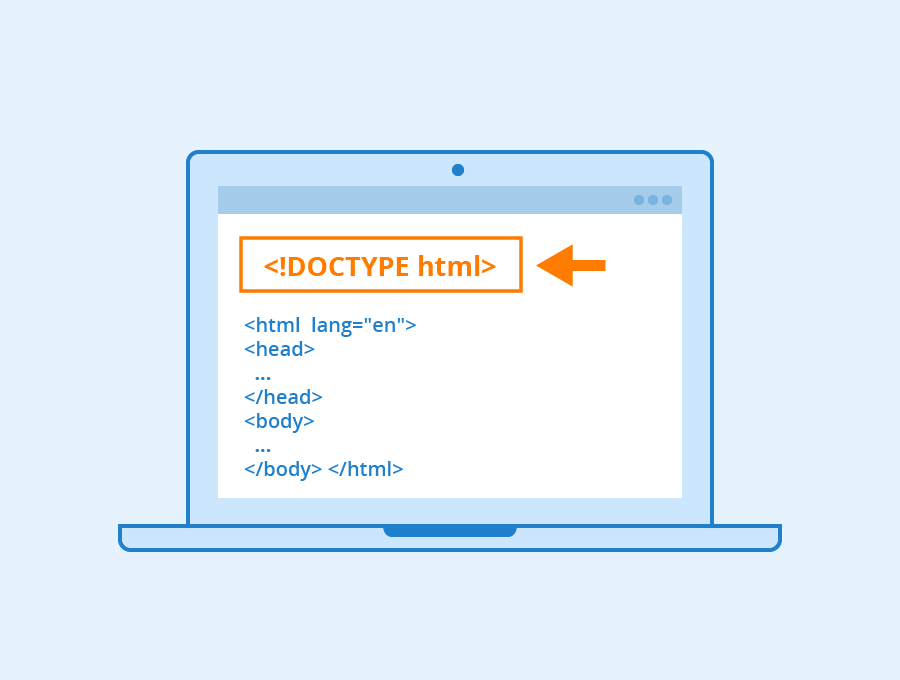
for HTML5 we use <!DOCTYPE html>
-
COMMENTS on HTML
<!-- comment goes here -->
-
ID ATTRIBUTE
  Every HTML element can carry the id attribute. It is used to uniquely identify that element from other elements on the page.
  for Ex; <p id="boldP">...<p>
-
ClASS ATTRIBUTE
Every HTML element can also carry a class attribute
  for Ex; <p class="important">...<p>
-
BLOCK And INLINE Elements
BLOCK ELEMENTS
     <h1> Sohaib Msalha </h1>

    <p> Sohaib Msalha </p>

     <ul>
      <li> Science: 21 Nov - 20 Feb 2010/11   </li>
      <li> Architecture: 6 Mar - 15 May 2011  </li>
      <li> History: 29 May - 21 Aug 2011      </li>
      <li> Religion: 28 Aug - 6 Nov 2011      </li>
    </ul>
INLINE ELEMENTS
     Some elements will always appear to continue on the same line as their
     neighbouring elements. These are known as inline elements.
     Examples of inline elements are
     - <b>  To make Text bold, Ex <b> Hello </b>
     - <em> To make Text italic, Ex <em> Hello </em>
     - <a>
     - <img>.

-
Grouping Text & Elements In a Block
  - The <div> element allows you to group a set of elements together in one block-level box.
  - The <span> element acts like an inline equivalent of the <div> element.
  - The <iframe> element is like a little window that has been cut into your page — and in that window    you can see another page.
-
Escape characters
are used to include special characters in your pages such as <, >, and ©. for Ex; © == ©ChapterThree ::
HTML5 Layout
GitHub Account
©
Masalha96